7 Canva Secrets Every Teacher Should Know
Michelle Hollander
Director of Educational Content
News
Teq Supports District Implementation: Beyond funding guidance, Teq provides turnkey grant alignment, hardware staging, and certified PD coaching via OTISpd.com to ensure 100% classroom adoption.
Are you looking to take your Canva practice to the next level? Here’s the “inside scoop” on how to curate high-impact materials that resonate with students! With these tips and tricks, you can streamline your workflow and empower creativity using Canva’s cutting-edge abilities. Here are seven Canva secrets every teacher should know!
-
Create with canva.new
Want a quick way to save a little time? Bypass the Canva homepage and launch a blank canvas instantly by typing canva.new into the address bar.
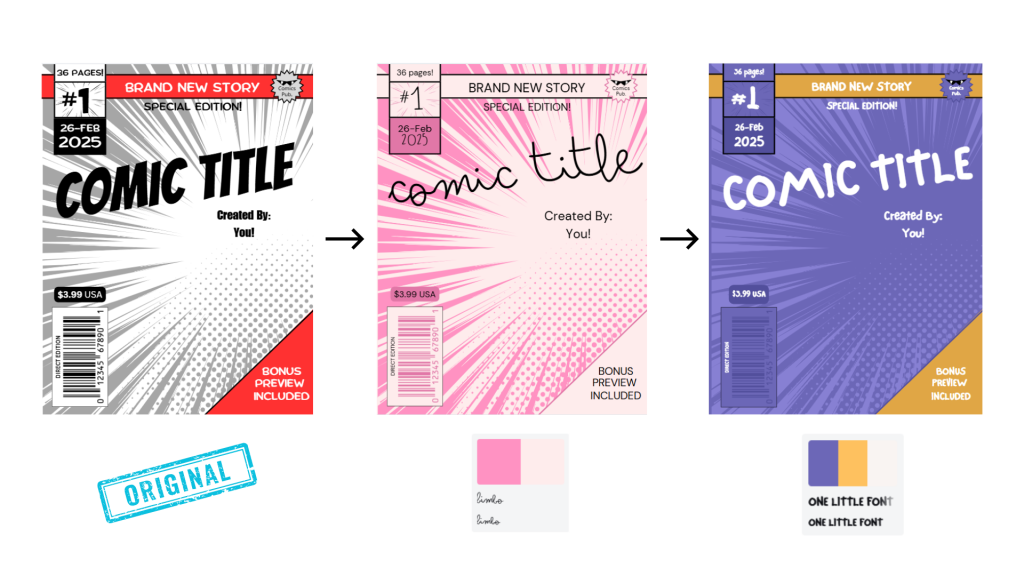
Style match any template
With a single click, you can extract colors and fonts from one design or brand kit and apply them to a new template. Also, if you have an image that you love, you can right-click it, select “Apply colors to page,” and instantly generate a palette based on that image.
Give live feedback with the Classwork Section
Not only can you review completed student work, but you can monitor student progress in real-time. If desired, you can also leave stickers as feedback on their designs. This section keeps a version history so you can see the evolution of students’ thought processes.
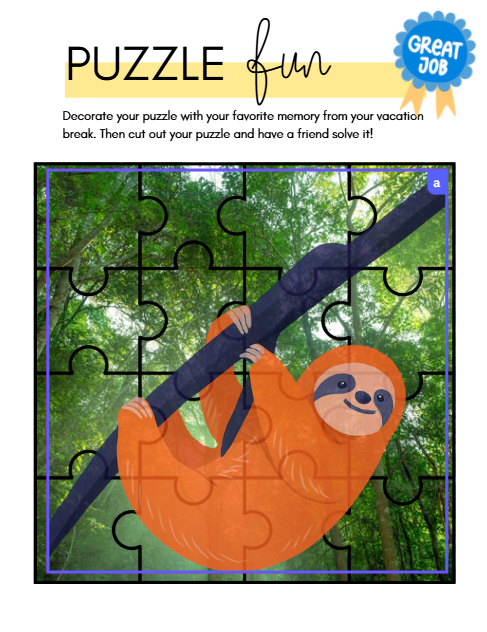
Embed projects into new designs
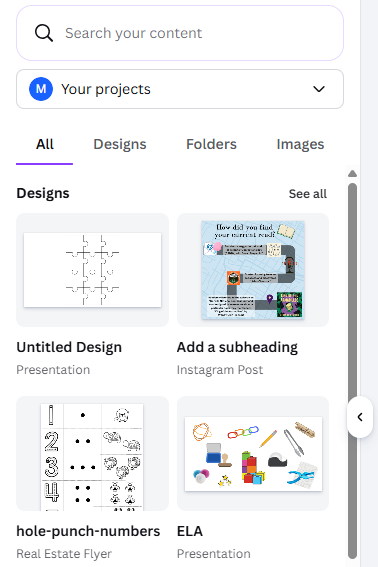
Gone are the days of manual copying and pasting! Did you know that you can treat previous designs as “smart objects” and use these components in new projects? Additionally, when you search for your “Projects” folder within Canva’s editor, you can import either a single page or the entire deck as an embedded element.
Record with Canva Studio
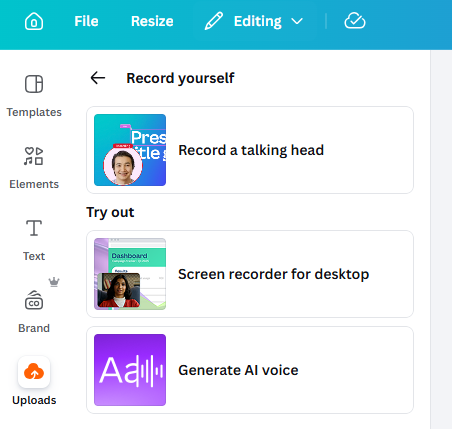
Head to the Uploads section, located on the sidebar, where users can capture their screen, camera, and microphone simultaneously to create “talking head” style presentations. You can even generate an AI voice! These tools bring differentiation to the next level!
Customize designs further with tools and apps
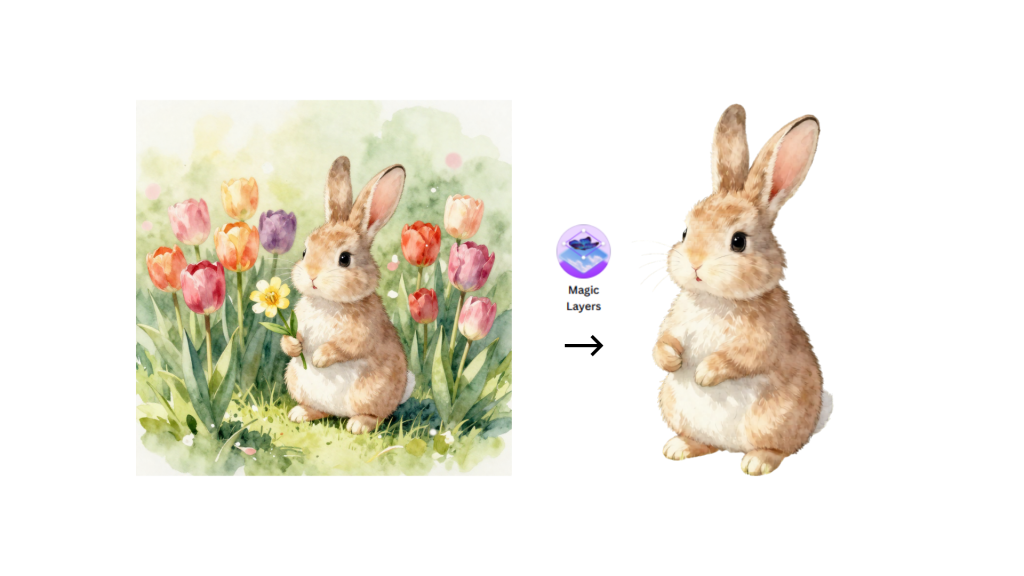
You can find internal and third-party integrations that expand capabilities with AI image generation and data visualization. Canva’s magic tools range from “Magic Edit” to “Magic Layers.” These innovative features allow you to modify and personalize images like never before.
Continue learning with Design School
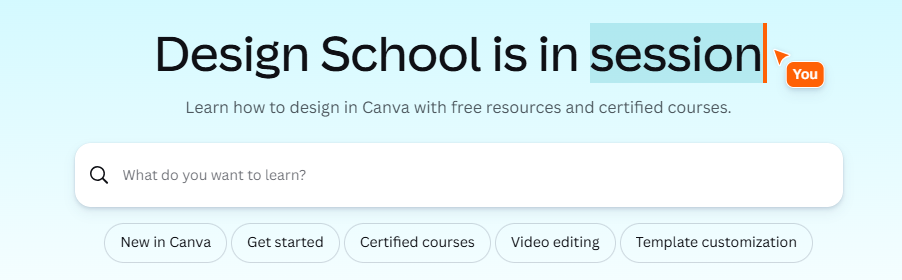
Learning never stops! Explore Canva’s educational hub to find structured courses, tutorials, and even live events! Canva’s built-in AI tools can also support you whenever you get stuck!
Want to see all of this in action? Check out our engaging course, 7 Canva Secrets Every Teacher Should Know, on OTIS for educators! (You might even come away with more than 7 new ideas to try!)
For more tips, tricks, and tools for teaching in and out of the classroom, check out more content on the Teq Talk blog or our YouTube channels OTIS for educators and Tequipment.
We also offer virtual professional development, training, and support with OTIS for educators. Explore the technology and strategies that spark student success — no matter where teaching or learning are happening!
Follow us on social:
 edteq
edteq  OTIS4educators | Teq Products | iBlocks
  MyTeq
MyTeq  Teq
Teq
Related Articles & Other Recommended Reading

How to Safely Store Your AR/VR Headsets for the Summer
As the school year comes to a close, properly preparing your AR/VR hardware for summer storage is essential to extending the lifespan of your investment. Taking a few deliberate steps ensures that when teachers and students return in the fall, their headsets, controllers, and charging carts will be clean, functional, and ready for classroom use. […]

Teq Tuesdays: Summer PD Lineup
Summer is here, and so are Teq’s annual summer PD sessions! Join us on select Tuesdays in July and August for a variety of engaging professional learning experiences. Our summer PD lineup this year dives into unlocking the full potential of AI and brushing up on core Google Workspace skills. All sessions will be broadcast […]

What AI Tools Are Teachers Actually Using?
While having a variety of AI tools at your fingertips is helpful, the number of options can feel overwhelming. In our OTIS for educators session, “Demystifying AI Tools,” we’ll dive into the top AI platforms being used in education. We’ll uncover their ideal use cases, abilities, and limitations so that you can find the best fit(s) […]