7 Apps for Early Childhood Education
Michelle Hollander
Director of Educational Content
News
Teq Supports District Implementation: Beyond funding guidance, Teq provides turnkey grant alignment, hardware staging, and certified PD coaching via OTISpd.com to ensure 100% classroom adoption.
Apps can provide a way to introduce and reinforce concepts across a variety of disciplines. Whether used in class, after school, or to prevent a summer slide, there are a variety of options to keep students engaged in their learning. Here are some of the top apps for early childhood education. Note: the following content is available on iOS and Android for free and does not contain in-app advertisements.
Multidisciplinary apps
Khan Academy Kids
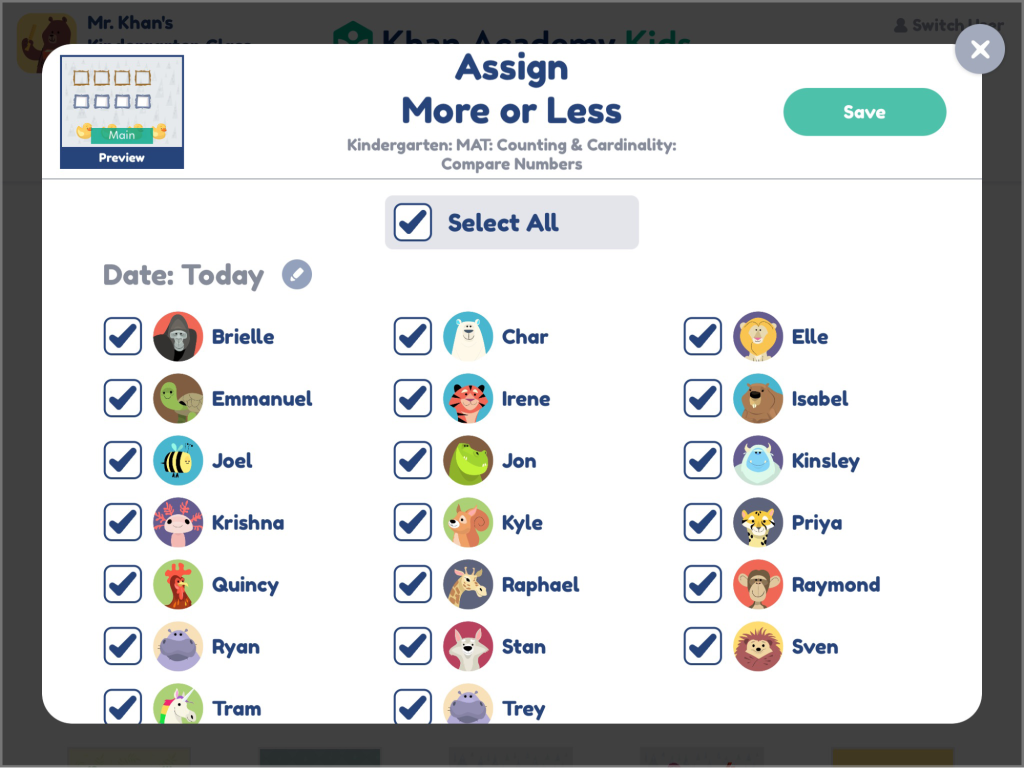
The Khan Academy Kids app is a rich resource built for children ages 2-8, aligning with the Head Start Learning Outcomes Framework and Common Core Standards. The app, developed with learning experts at Stanford, focuses on the “whole-child,” encouraging creativity, character building, logic, and more. Students work through early literacy, reading, writing, language, and math content. Their library even contains science connections and Spanish materials.
Further, the app offers individualized adaptation with interactive activities, games, animated videos, creative lessons, and even books. Kodi, the bear, acts as a guide, along with a unique set of characters from around the world including: Ollo, the elephant, who focuses on letters, Reya, the red panda, who helps with reading, Peck, the bird, who concentrates on counting, and Sandy, the dingo, whose specialty is geometry. Khan Academy stands out because it has built-in teacher management tools. Trust us, you have to check this one out!
Play PBS KIDS Games
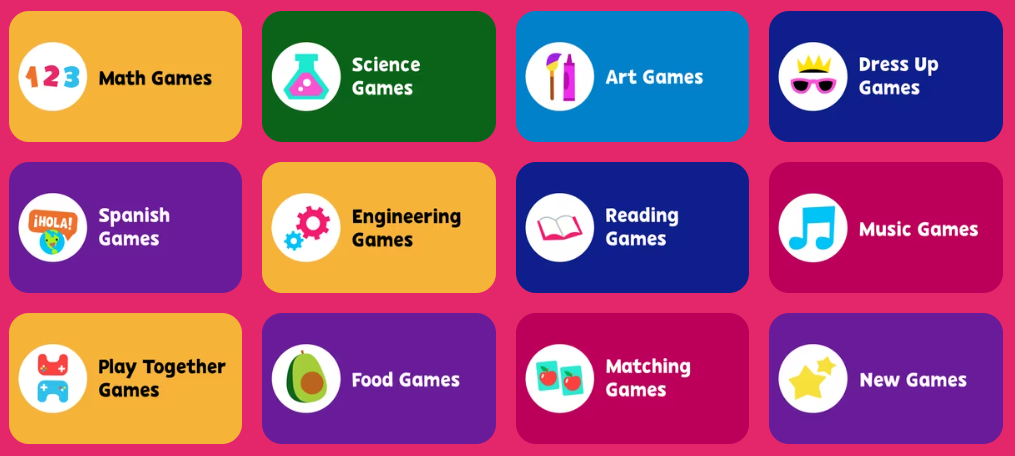
The Play PBS KIDS Games app is also available for 2-8 year-olds. While not explicitly mapped to learning standards, PBS itself has a variety of lessons aligned to Common Core State Standards. The app provides a variety of games across a number of different subject areas and features characters from kids’ favorite PBS shows. Students can go on adventures centered around music, engineering, health, coding, and so much more. There are currently over 250 educational games available, and you can access the games online too!
ELA apps
Duolingo ABC
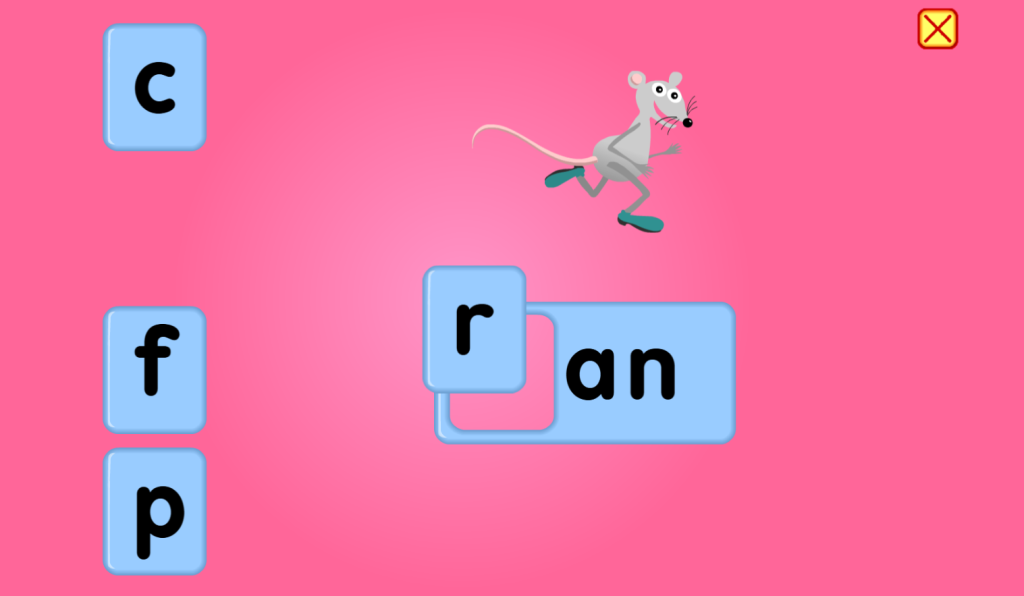
If you are looking for an app that covers phonics, phonemic awareness, reading comprehension, fluency, and vocab, look no further than Duolingo ABC. The app is designed for students ages 3-8 and is aligned with K-2 Common Core Standards and the National Reading Panel recommendations.
They also have a fun cast of characters to accompany students through the app’s levels including: Duo (owl), Falstaff (bear), Lily, Zari, Eddy, and Bea. Duolingo ABC was developed by scientists, literacy specialists, engineers, illustrators, and parents. They “believe that kids who read will change the world.”

Starfall ABCs & Learn to Read
Starfall’s ABCs and Learn to Read apps were developed in the classroom by teachers for ages 3-5. They also have a non-app web version and are aligned to state ELA standards. Starfall focuses on exploration and play to drive research-backed learning experiences. Unlike the other apps, Starfall has a subscription option if you want to access more content within their platform. These options are accessible and low-cost for educators.
They have expanded their content beyond language arts to include mathematics and activities up to the 5th grade level. Starfall’s founder, Dr. Stephen Schutz, wanted to create a learning platform that had “untimed, multisensory, interactive games that allow children to see, hear, and touch as they learn,” since he struggled with learning how to read as a child because of his dyslexia.
Mathematics apps
Moose Math
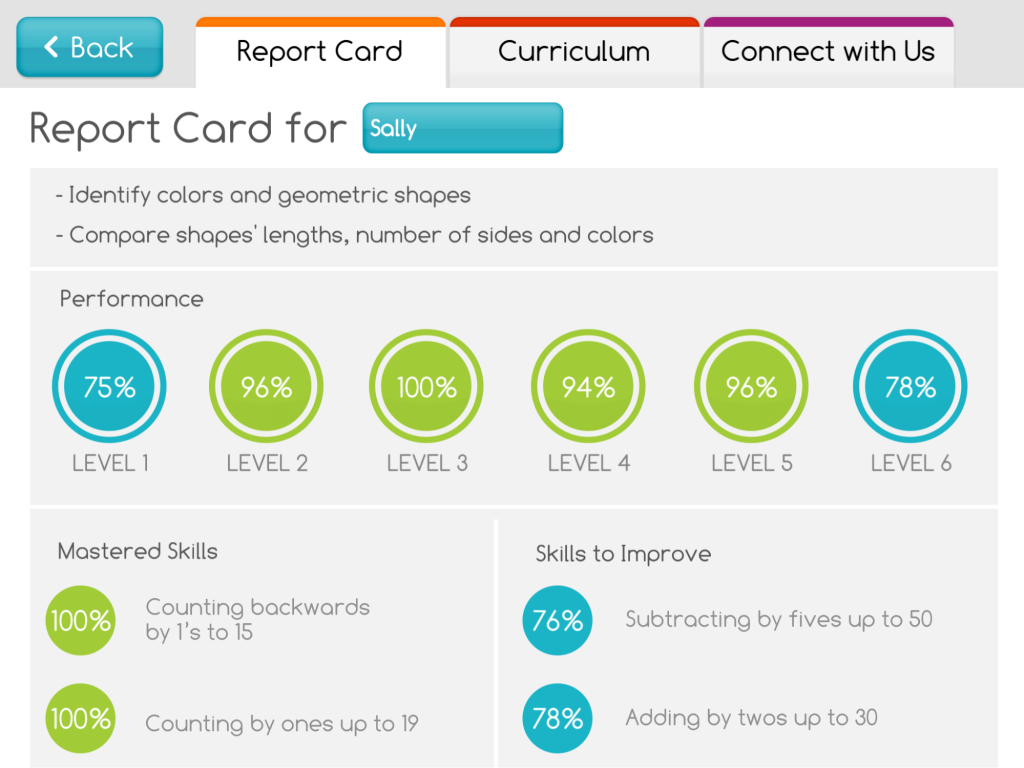
Moose Math was developed by Duck Duck Moose, which also produces other educational apps. This app covers Common Core-aligned content for numbers, counting, addition, subtraction, geometry, and measurement. Students get to make smoothies, match pets, play BINGO, and engage in a variety of fun activities as they build their skills. Teachers and parents can monitor students’ progress in the built-in “Report Card” section and link to additional activities on their website.
Bedtime Math
Bedtime Math provides fun stories along with real life math questions for children (ages 3-9) and families to discuss. The content is consistent with Common Core, but is not directly mapped. In addition to the apps, Bedtime Math can be accessed online, where you can also find a “Teacher’s Corner” with further activities and resources. Content can be searched by skill, topic, and age. Check back each day for a new post!
Coding Apps
ScratchJr
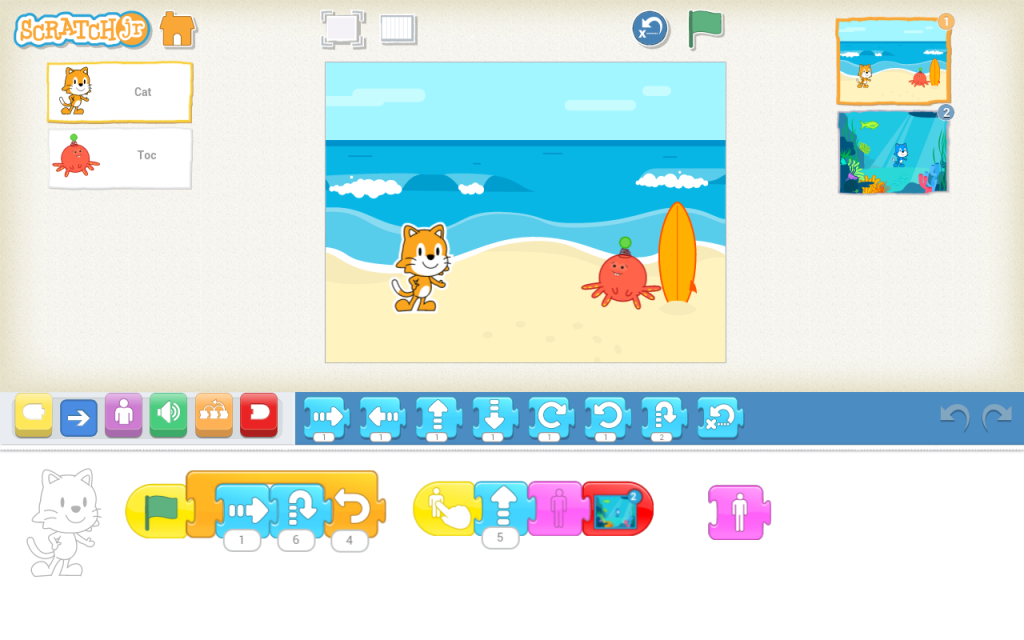
ScratchJr introduces the concept of coding as more than another STEM activity. It is a new way to introduce coding as another language. ScratchJr was developed for students aged 5-7 as a collaboration between the DevTech Research Group at Boston College and the Eliot-Pearson Department of Child Study and Human Development at Tufts University, along with the Scratch Foundation (MIT).
Their content is aligned to the K-12 Computer Science Frameworks, ISTE Standards for Students, and Common Core Math and ELA standards for first grade. The app enables students to program their own games and interactive stories, and in their own words, to “learn to solve problems, design projects, and express themselves creatively on the computer [through the process].”
Learn more about these apps in the course App-Based Learning Adventures for Early Ed on OTIS for educators.
Check out these other courses to help get you ready for the school year:
- Ready, Set, Read! – Gamifying Literacy
- Phys Ed. Activities to Start the School Year Strong
- Tools to Alleviate Back to School Anxiety
- Unpacking Technology Safely at the Beginning of the Year
- Engaging Activities to Build Classroom Culture
For more tips, tricks, and tools for teaching in and out of the classroom, check out more content on the Teq Talk blog or our YouTube channels OTIS for educators and Tequipment.
We also offer virtual professional development, training, and support with OTIS for educators. Explore the technology and strategies that spark student success — no matter where teaching or learning are happening!
Follow us on social:
 edteq
edteq  OTIS4educators | Teq Products | iBlocks
  MyTeq
MyTeq  Teq
Teq
Related Articles & Other Recommended Reading

How to Safely Store Your AR/VR Headsets for the Summer
As the school year comes to a close, properly preparing your AR/VR hardware for summer storage is essential to extending the lifespan of your investment. Taking a few deliberate steps ensures that when teachers and students return in the fall, their headsets, controllers, and charging carts will be clean, functional, and ready for classroom use. […]

Teq Tuesdays: Summer PD Lineup
Summer is here, and so are Teq’s annual summer PD sessions! Join us on select Tuesdays in July and August for a variety of engaging professional learning experiences. Our summer PD lineup this year dives into unlocking the full potential of AI and brushing up on core Google Workspace skills. All sessions will be broadcast […]

What AI Tools Are Teachers Actually Using?
While having a variety of AI tools at your fingertips is helpful, the number of options can feel overwhelming. In our OTIS for educators session, “Demystifying AI Tools,” we’ll dive into the top AI platforms being used in education. We’ll uncover their ideal use cases, abilities, and limitations so that you can find the best fit(s) […]